
 Mark24
f1c2f41651
update: readme
Mark24
f1c2f41651
update: readme
|
il y a 2 ans | |
|---|---|---|
| backup | il y a 2 ans | |
| custom | il y a 2 ans | |
| images | il y a 2 ans | |
| lib | il y a 2 ans | |
| os | il y a 2 ans | |
| .gitignore | il y a 2 ans | |
| LICENSE | il y a 2 ans | |
| README.md | il y a 2 ans | |
| deploy.rb | il y a 2 ans | |
| installer.rb | il y a 2 ans |
README.md
Rime auto deploy
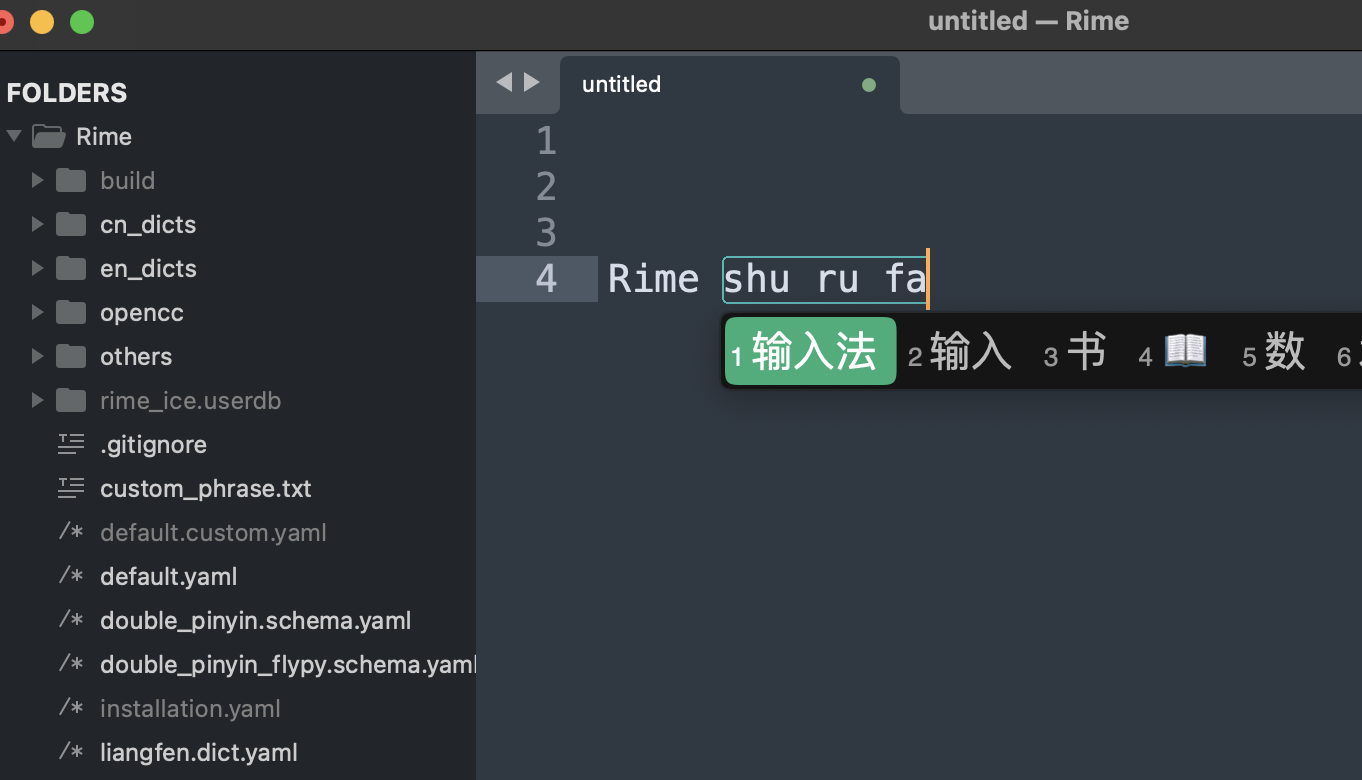
一个自用的脚本,帮助无痛快速安装、部署 Rime 输入法(中州韵、小狼毫,鼠须管)以及部署配置。
- 集成 雾凇拼音配置,来源 https://dvel.me/posts/rime-ice/
- 集成 20款 输入法皮肤, 来源 https://ssnhd.com/2022/01/11/rime-skin/ 包括微信皮肤
- 新增主题。支持Linux、MacOS。
系统
⚠️ 支持:
- MacOS ✅
- Linux 发行版 ✅
- Windows ❌

依赖
安装 Ruby 3
- Mac OS
brew install ruby - Debian Linux distro
sudo apt install ruby - 其他 Linux 根据自己情况判断。有些 Linux 可能自带 Ruby
⚠️ MacOS脚本会自动帮助安装 Rime,Linux下由于发行版、Rime 衍生方式太多,需要自行提前安装 Rime。
For Fcitx5, install fcitx5-rime.
For Fcitx, install fcitx-rime.
For IBus, install ibus-rime.

more: https://wiki.archlinux.org/title/Rime
使用方法
step1: 克隆到本地
git clone --depth=1 https://github.com/Mark24Code/rime-auto-deploy.git --branch v2.4.0
step2: 执行部署脚本
./installer.rb
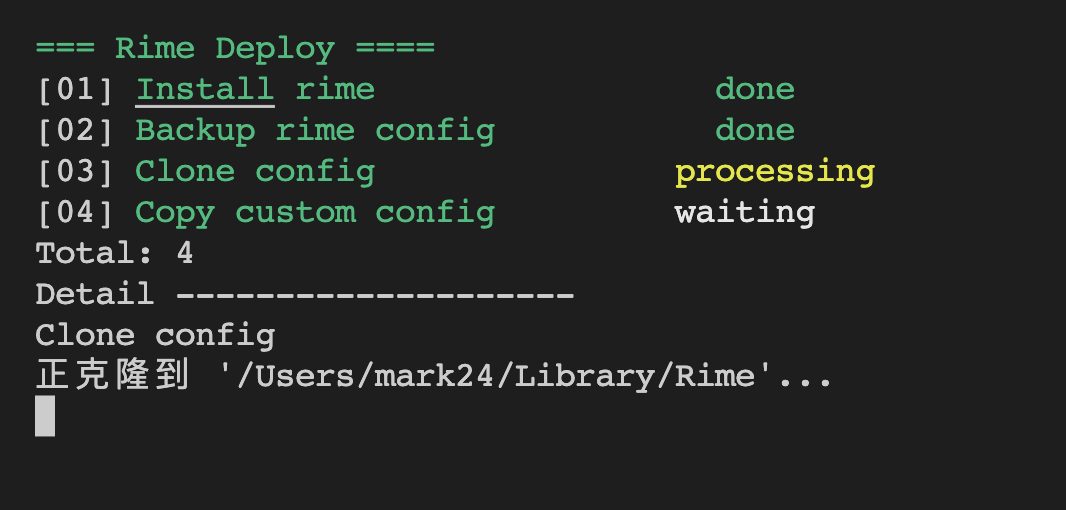
自动部署内容:
step1: 确认安装 Rime 输入法,自动安装
需要用户自行登出,重进系统,设置Rime输入法为系统输入法
step2: 备份 Rime 默认配置
step3: 自动安装 Rime-ice 配置
step4: 自动追加自定义配置模板
参考&感谢:
- 流程参考 Tiwtter: @lewangdev
- 配置来源:https://github.com/iDvel/rime-ice